Common Tesla Problems and How to Fix Them: The Ultimate Troubleshooting Guide
Quick Answer Box
Most common Tesla problems are simple software glitches (like frozen screens or key lag) that can be fixed instantly with a steering wheel scroll reset. Hardware quirks like wind noise, panel gaps, and phantom battery drain can also be resolved at home. While some users search for solutions assuming these EVs work like traditional vehicles or even tesla hybrid cars, understanding these specific common Tesla problems helps you resolve over 80% of everyday ownership issues right in your driveway. Common Tesla Problems and How to Fix Them
Tesla are highly advanced computers on wheels, meaning most of their everyday quirks are software-driven. When analyzing common Tesla problems, statistics show that a vast majority of these issues don’t require physical tools. However, before buying a used EV, it is essential to look at these common Tesla problems and ask is a certified pre-owned tesla worth it based on warranty coverage. If you already own one, this guide to common Tesla problems will save you a trip to the service center. Here are the top twenty common Tesla problems and their immediate DIY fixes.
1. Touchscreen Freezing and Lagging


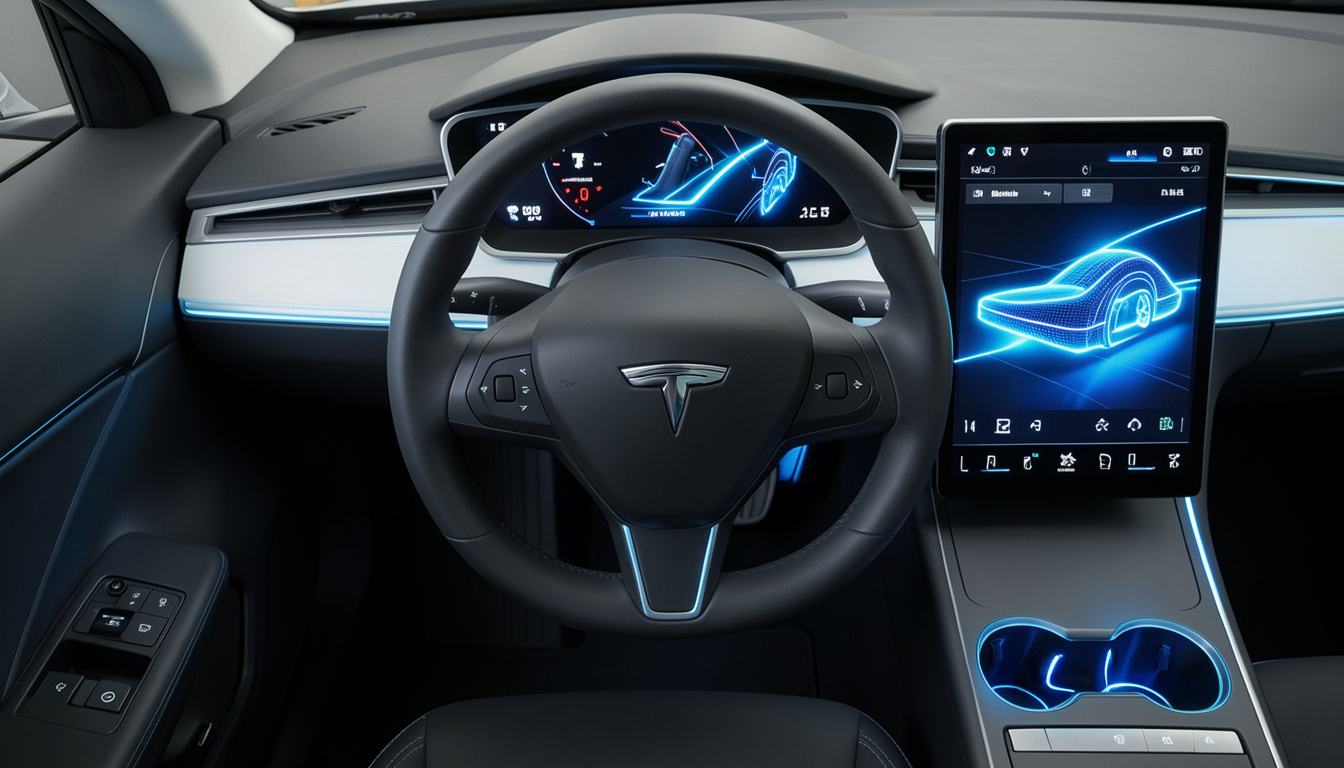
If your central infotainment display becomes completely unresponsive, it ranks among the most annoying common Tesla problems. You can easily force a system restart by shifting the vehicle into Park and holding down both steering wheel scroll buttons for ten seconds until the Tesla logo appears on the glass.
2. Phone Key Recognition Failures


When discussing common Tesla problems related to connectivity, the phone key timeout is frequent. When the vehicle fails to recognize your smartphone as a digital key, you can quickly resolve this connection lag by toggling your phone’s Bluetooth off for ten seconds or restarting the official Tesla mobile application.
3. Excessive Overnight Phantom Drain


To fix severe idle battery capacity loss while your car is parked overnight one of the environmental common Tesla problems you should disable power-heavy background security features like Sentry Mode and Cabin Overheat Protection whenever your vehicle is safely secured inside your home garage.
4. Modern 16V Low Voltage Battery Alerts


Newer model lines feature a Lithium-ion low-voltage system, creating unique common Tesla problems when the battery drains. When the system displays a low-voltage alert, you must avoid traditional gas-car jump-starts. Pop the frunk, remove the top maintenance panel, and connect a standard 12V power pack to the dedicated jump posts near the cabin intake filter. Do not use the front tow eye terminals for jump-starting, as they are only wired to release the hood latch when the vehicle is dead.
5. Highway Cabin Wind Noise


A loud whistling or rushing air noise coming from the doors at high speeds is one of the structural common Tesla problems. This can be corrected by resetting the frameless glass memory alignment: sit inside, hold the window switch down for five seconds, and then immediately hold it up for another five seconds.
6. Model S Motorized Door Handle Failures


Older legacy vehicles have mechanical vulnerabilities that lead to physical common Tesla problems. If your classic Model S auto-presenting door handles refuse to extend outward or make a severe grinding noise, you can fix this issue yourself by purchasing an upgraded stainless steel aftermarket linkage kit to replace the broken internal factory zinc paddle gear.
7. Autopilot Camera Blindness and Glare


When driver assistance features abruptly disengage due to blinded camera warnings a frequent entry in lists of common Tesla problems you can clear the system error by wiping the external side-repeater lenses with a clean microfiber cloth or running the cabin defroster on maximum heat to evaporate trapped pillar condensation.
8. Accelerated Tire Tread Wear


Because heavy electric vehicles produce massive instant torque that wears down rubber quickly, rapid tire degradation is found among everyday common Tesla problems. You can maximize your tire lifespan and protect your tread by maintaining a steady cold pressure of 42 to 45 PSI and rotating the tires every 6,000 miles.
9. FSD Rim and Wheel Curb Rash


To prevent Full Self-Driving or Auto-Park automation from scratching your premium alloy wheels one of the automated common Tesla problems you can install durable aftermarket plastic rim protectors along the outer bead or manually override the steering during tight parallel parking maneuvers.
10. Charging Port Door Latch Glitches


If your charge port door refuses to open automatically through touch commands, it falls under mechanical common Tesla problems. You can manually release the locking mechanism using the mechanical pull-cord hidden inside the trunk side panel or clean the latch sensor area with isopropyl alcohol.
Tesla Quick-Reference Diagnostic Matrix
| Component Group | Core Symptom | Primary Cause | Immediate DIY Corrective Action |
| Infotainment | Black or unresponsive touchscreen | Media system cache overflow | Hold down both steering wheel scroll wheels for 10 seconds in Park. |
| Connectivity | Phone Key fails to unlock doors | Bluetooth handshake timeout | Toggle smartphone Bluetooth off and on or re-pair the device. |
| Battery System | Excessive power loss while parked | Sentry Mode / Cabin Protection active | Disable Sentry Mode at safe locations like your home garage. |
| Body Integrity | High-speed whistling wind noise | Misaligned frameless door glass | Perform a 5-second up and down window calibration reset. |
| Autopilot Vision | Safety system disengagement | External lens occlusion or internal fogging | Clean lens with microfiber; run max cabin defrost for 15 minutes. |
| Drivetrain | Premature tire tread wear | High instant torque and battery weight | Maintain pressure at 42 to 45 PSI; rotate tires every 6,000 miles. |
11. Unexpected Supercharging Speed Drops


When your charging speeds slow down significantly at a public Supercharger station, you are experiencing one of the infrastructure-related common Tesla problems. You can optimize the intake rate by navigating to the station using the in-car GPS to pre-condition the battery pack or switching over to an unshared, standalone charging post.
12. Tail Light Moisture and Condensation


If you notice fogging or water droplets trapped inside your rear light housings, you are dealing with one of the aesthetic common Tesla problems. You can clear the trapped moisture out safely by removing the small rubber bleed-plugs located directly behind the trunk lining to let the unit naturally ventilate in the sun.
13. Front Suspension Control Arm Squeaking


A loud squeaking or creaking noise when driving over speed bumps is among the suspension-based common Tesla problems. This can be temporarily resolved by injecting high-grade silicone lubricant into the upper control arm ball-joint rubber boot before scheduling a permanent component replacement with mobile service.
14. Model 3 Highland Capacitive Button Lag


The turn signal touch buttons on modern stalkless steering wheels can sometimes experience slight input delays. Unlike screen-based common Tesla problems, an infotainment scroll-wheel reboot will not fix this, as these safety-critical inputs are hardwired into the vehicle’s gateway system. If the lag persists, it requires a vehicle firmware update or a physical hardware replacement by Tesla service.
15. Cybertruck Stainless Steel Surface Spotting
Stubborn dark spots and oily fingerprint smudges on the raw stainless steel exterior are unique common Tesla problems for Cybertruck owners. These can be lifted without scratching the finish by applying pure isopropyl alcohol or using a non-scratch pad paired with Bar Keepers Friend cleaner.
16. Cybertruck Steer-by-Wire Calibration Lag
If the digital steer-by-wire system experiences handling feedback delays, it represents complex common Tesla problems. You can force the electronic actuators to recalibrate by parking the vehicle safely, exiting the cabin completely, and allowing the car to enter a deep sleep cycle for fifteen minutes.
17. Automatic Windshield Wiper Erratic Behavior
When the automatic wipers wipe aggressively on a completely dry windshield, it highlights vision-based common Tesla problems. You can resolve the camera confusion by thoroughly cleaning the top glass area directly in front of the rearview mirror array to remove bug splatter and road film.
18. In-Car Wi-Fi Connectivity Disconnections
If your vehicle repeatedly drops its wireless internet connection during critical software updates, you are facing network-related common Tesla problems. You can stabilize the data stream by forgetting the network in settings, changing your router band to a dedicated 2.4GHz frequency, and restarting the connection.
19. Cold Weather Regenerative Braking Limitations
When freezing temperatures temporarily disable your regenerative braking system, it triggers seasonal common Tesla problems. You can resolve the reduced stopping power by turning on the climate pre-conditioning feature via the app thirty minutes before driving to warm up the battery cells.
20. Mobile App Service Communication Delays
If you experience long communication delays over minor diagnostic alerts, you can bypass these administrative common Tesla problems. Enter the vehicle’s hidden Service Mode menu while parked to read exact error codes and perform automated component self-tests.
Frequently Asked Questions (FAQs)
Are Tesla vehicles considered reliable in the long run? Yes. While owners document various common Tesla problems, these cars score exceptionally high in powertrain and battery durability because electric motors have fewer moving parts than gas engines. Most reported issues relate strictly to minor build quality defects or temporary software glitches rather than terminal mechanical failures.
Does the factory warranty cover body panel adjustments? Tesla covers factory defects like severe panel gaps and paint oversights under its New Vehicle Limited Warranty, but only if they are officially documented within the first 100 miles or the first few days of taking initial vehicle delivery.
Can I safely reboot the touchscreen while driving? While the vehicle will continue to steer, accelerate, and brake normally during a dual scroll wheel reset, doing this while driving is highly discouraged. A reboot temporarily cuts off your speedometer, turn signal audio, and safety camera feeds, making it unsafe on public roads. Always pull over safely before resolving screen-based common Tesla problems.
Why do my Tesla tires wear down faster than a gas car? Electric vehicles carry heavy high-voltage battery packs that put extra weight on the chassis, combined with electric motors that deliver instant high torque to the wheels, causing the rubber tread to wear down significantly faster under normal driving habits.
Conclusion


Mastering your Tesla’s software updates, built-in sensor calibration steps, and minor cosmetic adjustments allows you to maintain total control over your ownership experience. By running simple diagnostic resets and utilizing hidden system tools directly from your garage, you can easily troubleshoot these common Tesla problems. Mitigating common Tesla problems early ensures your advanced electric vehicle runs efficiently for years to come while saving you time and out-of-pocket costs.
.