How to Rent a Tesla in the us:
Editor’s Note: The rental landscape for electric vehicles shifted significantly in late 2025 with the launch of “Tesla Direct.” While Hertz and Turo remain viable options, the introduction of a manufacturer-first rental program has changed the pricing and “test-drive” dynamics for US travelers. This guide has been fully audited for May 2026 to include the latest Supercharging rates, FSD (Full Self-Driving) availability in rentals, and current insurance requirements.
Tesla rentals are more popular than ever and with Tesla’s own rental program launched in November 2025, you now have three solid options to choose from. This guide covers everything you need: where to rent, what it costs, how to drive one, and how to avoid the most common mistakes
Quick Answer: There are three primary ways to rent a Tesla in the United States: Turo, Hertz, and Tesla Direct. Rental prices typically start around $60 per day. This comprehensive guide covers everything you need to know, including Supercharging logistics, using the Tesla key card, and choosing the right insurance coverage.
Where Can You Rent a Tesla in the US? (All 3 Options Compared)
There are now three main ways to rent a Tesla in the United States:

1. Turo (Peer-to-Peer)
Turo is a marketplace where individual owners rent out their personal Teslas. You can find Model 3, Model Y, and even Model X listings across the country. Prices start as low as $59/day depending on location and host. Best for: Flexible pickup locations, unique models, hosts who give personal tips and tutorials. Watch out for: Quality varies by host. Always check reviews and look for “Power Host” badges.
2. Hertz
Hertz offers Tesla Model 3 and Model Y rentals at select US airport locations including Atlanta, Los Angeles, Miami, New York, Dallas, and 40+ other cities. Best for: Airport pickups, loyalty points (Hertz Gold), corporate travel. Watch out for: Higher daily rates ($130–$165/day), cars can be dirty or high-mileage, customer service issues are well-documented online.
3. Tesla’s Own Rental Program (NEW November 2025)
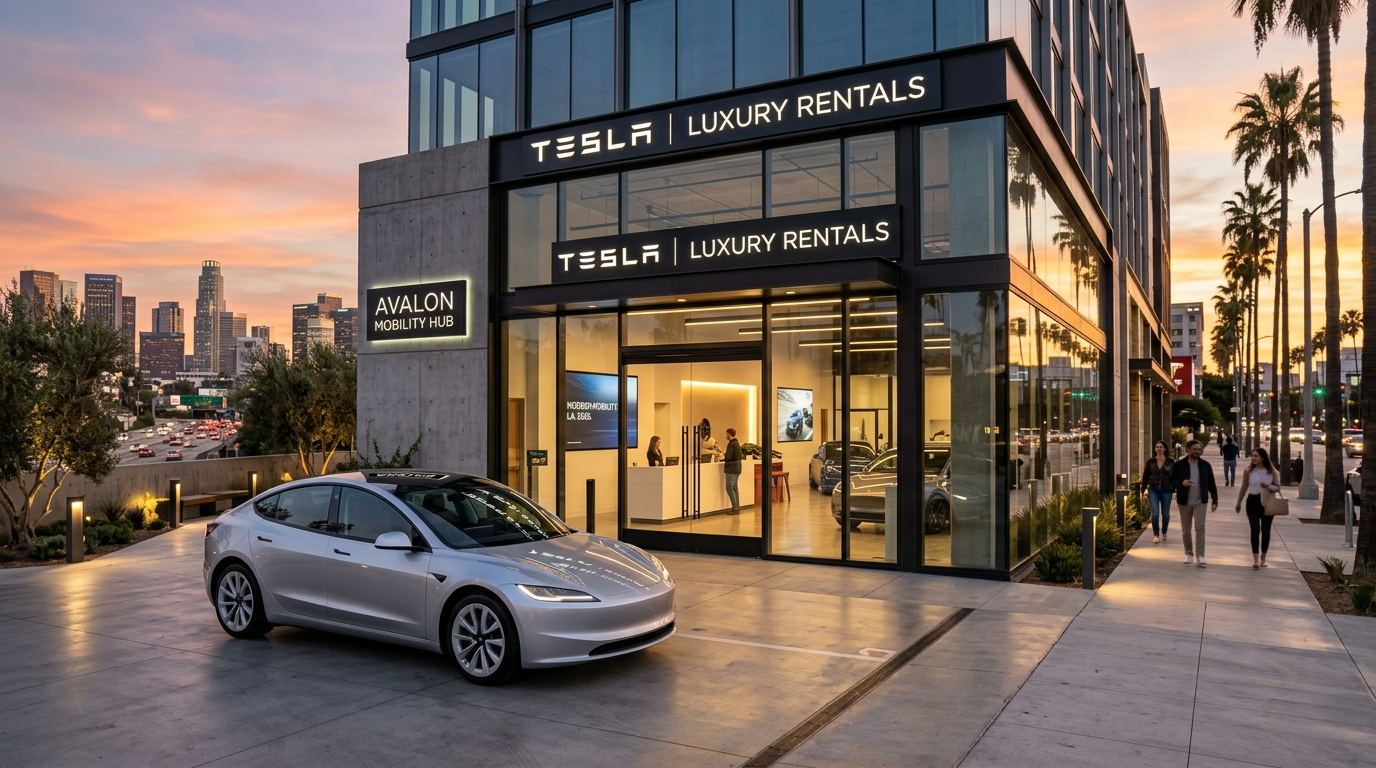
Tesla quietly launched its own rental program in November 2025 at select California dealerships. This is the most exciting option for anyone considering buying a Tesla.
- Daily rates start at $60/day (Model 3 or Model Y)
- Cybertruck: $75/day | Model S or X: $90/day
- Free Supercharging included for the entire rental
- Full Self-Driving (FSD Supervised) included
- Minimum 3-day rental, maximum 7 days
- If you order a Tesla within 7 days of rental, you get up to $250 credit toward purchase
- Currently limited to select California locations
Best for: People seriously considering buying a Tesla this is essentially a paid test drive with real ownership experience.
Tesla Rental Costs (Full Breakdown)
Many people assume renting a Tesla is extremely expensive. The reality is more nuanced.

Daily Rental Rates (2025)
| Platform | Model 3 | Model Y | Model X |
| Turo | $59–$120/day | $80–$250/day | $150–$400/day |
| Hertz | $130–$165/day | $150–$200/day | Not available |
| Tesla Direct | $60/day | $60/day | $90/day |
Hidden Fees to Watch Out For
Battery return policy This catches most first-time renters off guard:

- Hertz requires you to return with at least 10% battery
- Turo hosts typically require 50% battery on return
- Tesla Direct charges $30 if returned under 50%
- Some Turo hosts charge a $15 recharging fee if under 50%
Mileage limits Most Turo listings have daily mileage caps. Check before booking if you’re doing a road trip. Insurance add-ons Both Turo and Hertz offer additional protection packages ranging from $15–$30/day.
Insurance: What’s Covered When You Rent a Tesla?
This is the section nobody talks about but it could save you thousands of dollars.
Credit Card Coverage

“If you use a premium travel card, you might already have primary rental insurance included as a benefit.”. If you have an Amex Platinum card, use CDP code 211762 when booking Hertz for a discount and a 4-hour grace period on returns. The Amex Premium Car Rental Protection add-on (~$25) gives you elevated primary coverage.
Important: Tesla repairs are significantly more expensive than standard cars. High repair costs and limited certified repair shops mean even minor damage can be costly. Make sure your coverage is solid before you pick up the keys.
Turo Protection Plans
Turo offers three protection tiers at checkout Basic, Standard, and Premium. Standard is usually the sweet spot. It covers physical damage and includes 24/7 roadside assistance.
Hertz Insurance
All Hertz rentals include basic liability coverage. Additional collision damage waiver and personal accident insurance are available at the counter. If your credit card offers primary coverage, you can skip Hertz’s add-on.
First-Timer’s Guide: How to Actually Drive a Tesla Rental
This is the most important section in this entire article and the one no competitor has bothered to write. If you’ve never driven a Tesla before, the first 30 minutes can feel overwhelming. Here’s exactly what you need to know.
Step 1: Getting Into the Car (No Physical Key!)
Tesla rentals do not come with a traditional key. Instead, you get a key card a flat card about the size of a credit card. To unlock the car, tap the key card against the driver’s door handle pillar (there’s a small NFC reader there). Do the same to lock it.
Pro tip: You won’t have access to the Tesla app during a rental (that’s for owners). So the key card is your only way in and out. Don’t lose it.
Step 2: Starting the Car
Once inside with the key card, the car wakes up automatically. There’s no start button. Put your foot on the brake, shift into Drive using the center touchscreen or stalk (depending on model year), and go.
Step 3: Understanding Regenerative Braking
This surprises almost every first-time Tesla renter. When you lift your foot off the accelerator, the car slows down significantly on its own. This process, known as regenerative braking, allows the vehicle to capture kinetic energy and store it back in the battery.
Don’t panic. It’s completely normal. Within 20 minutes, most drivers adapt to it naturally. You can also adjust the regen strength in Settings > Driving > Regenerative Braking.
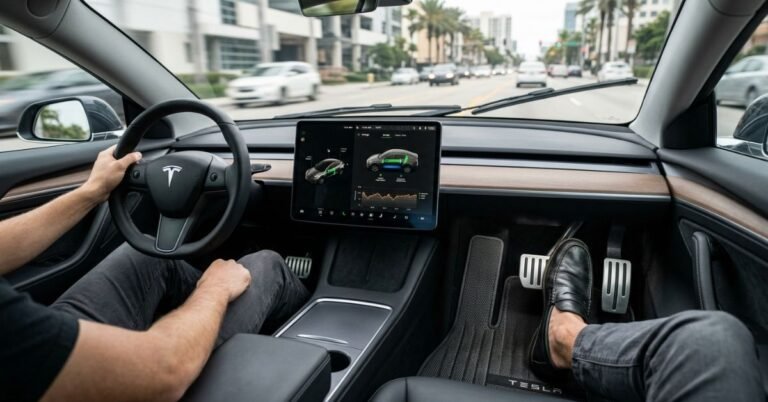
Step 4: The Touchscreen Controls Everything

Climate control, mirrors, door locks, music, navigation all of it lives in the central touchscreen. There are almost no physical buttons. Take 5 minutes in the parking lot before you drive to locate:
- Climate controls (bottom of screen)
- Hazard lights (top center button one of the few physical buttons)
- Wiper speed (screen or stalk)
- Autopilot activation (pull down on right stalk twice)
Step 5: Autopilot
Rental Teslas include Basic Autopilot it keeps the car centered in the lane and maintains speed. To activate: get on a highway, set your speed, then pull the right stalk down once (or twice depending on model). Always keep your hands on the wheel and eyes on the road.
Note: Full Self-Driving (FSD) is not included with Turo or Hertz rentals. Only Tesla’s own rental program includes FSD.
Charging a Rental Tesla: Supercharger Guide
Range anxiety is real but it’s manageable with the right plan.

Using a Tesla Supercharger
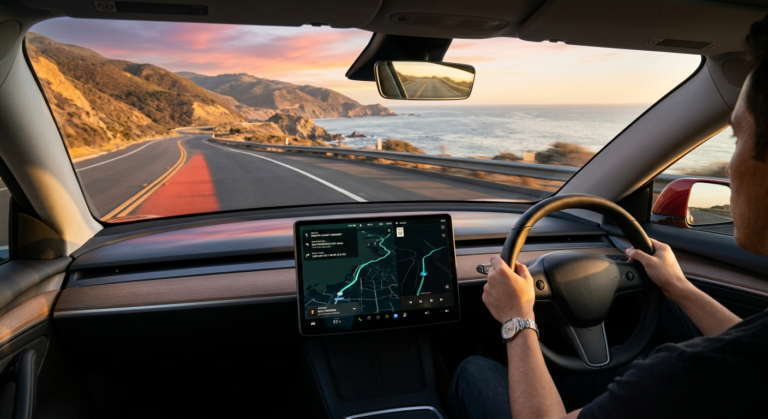
- Open the navigation on the touchscreen and search “Supercharger”
- Select a nearby station the car will route you there
- Pull into any open stall and plug in the CCS/NACS connector
- Charging starts automatically no app needed on a rental
- The screen shows charge percentage and estimated time
How Much Does Supercharging Cost?
Supercharging is not free on most Turo or Hertz rentals (unless the host specifies otherwise). Average cost is around $0.25–$0.48 per kWh depending on location and time of day. A full charge on a Model Y Long Range (75 kWh) costs roughly $19–$36 at a Supercharger.
Overnight Charging Tips
If your hotel has a standard 110V outlet, ask if you can plug in overnight using the included charging cable. This adds roughly 30–40 miles of range by morning enough to reduce Supercharger stops.
Many hotels and parking lots also have Level 2 chargers (J1772). Your Tesla rental should come with a J1772 adapter check that it’s in the car before leaving the pickup location.
Planning Your Route
Use PlugShare (free app) to find all charging options along your route not just Tesla Superchargers. This is especially useful in rural areas.
Tips to Avoid the Most Common Tesla Rental Mistakes
Before accepting the car, always do a full walkaround and take photos of every scratch. Hertz Teslas in particular have been reported as dirty or dented. Also confirm the exact model some renters paid for Long Range but received Standard Range, which has significantly less range (~270 miles vs ~330 miles).
Check the glovebox and frunk for the J1772 adapter before leaving it’s sometimes missing from Hertz rentals, and without it you can’t use non-Tesla Level 2 chargers. Also budget time at a Supercharger before your return drop-off, as most platforms charge extra fees for low battery returns. And remember Basic Autopilot is a driver assistance feature, not self-driving. Always keep your hands on the wheel.
Is Renting a Tesla Worth It?
Yes with the right expectations.
Renting a Tesla is one of the best ways to experience electric vehicle ownership without the commitment of buying. The instant acceleration, the quiet cabin, the massive touchscreen, and the Supercharger network make for a genuinely different driving experience. If you’re traveling to a city with good Supercharger coverage (Los Angeles, Miami, New York, Las Vegas), a Tesla rental is a fantastic choice.
If you’re driving through remote rural areas with limited charging infrastructure, plan your route carefully. For the best experience: choose a Turo host with excellent reviews and 50+ trips, confirm the exact model you’re getting, and read the charging policy before you book. And if you’re even 10% interested in buying a Tesla someday Tesla’s own $60/day rental program is the smartest test drive money can buy.
Latest Updates
- May 2026: Updated daily rental rates for Turo and Hertz to reflect summer travel demand. Added a note on the J1772 adapter scarcity in airport rentals.
- January 2026: Expanded the “Tesla Direct” section to include new dealership locations added in Texas and Florida.
- November 2025: Major revision following the launch of Tesla’s official rental program. Added pricing for Cybertruck and Model S/X rentals.
- August 2025: Updated Supercharging cost estimates ($0.25–$0.48/kWh) based on national average adjustments.
Author’s Note: Having spent years tracking Tesla’s hardware iterations from the transition to HW4 to the nuances of LFP battery chemistry I’ve seen firsthand how intimidating a first-time EV rental can be. My goal with this guide isn’t just to show you where to book, but to ensure you don’t feel “range anxiety” or get stuck at a Supercharger without the right adapter. Tesla rentals aren’t just about getting from point A to B; they are an invitation to see if the EV lifestyle fits your daily routine. Safe driving!