Tesla Screen for Car: The Ultimate Guide to Choosing the Right Aftermarket Tesla Car Play Screen for Your Vehicle
Editor’s Note: All software specs, CANBUS compatibility details, and brand rankings in this guide are verified for 2026. Aftermarket display technology moves fast, so we continuously monitor firmware stability, boot times, and hardware performance. Before buying, always confirm your exact trim level with the seller to guarantee full retention of your factory HVAC controls, steering wheel buttons, and backup cameras.
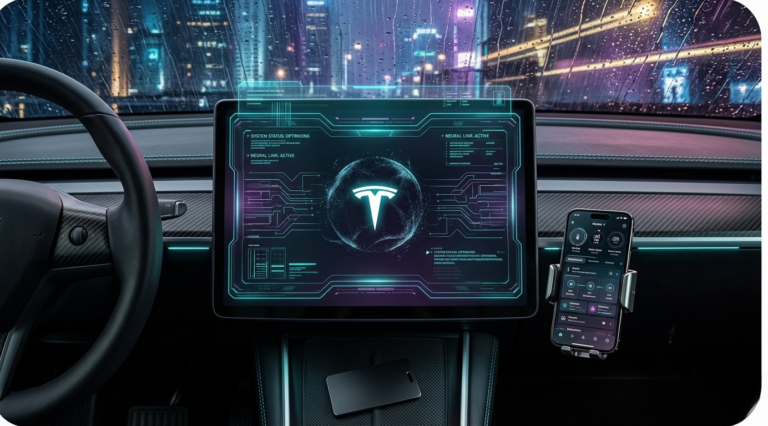
Quick Answer: A Tesla screen for your car is a large aftermarket touchscreen that replaces your factory infotainment unit giving you Apple Car Play, Android Auto, and a sleek Tesla-style interface without buying a Tesla. In 2025, top brands offer plug-and-play options starting at $300–$900 for most Ford, Chevy, Dodge, and Toyota models. Tesla Screen for Car
Whether you drive a Ford F-150, Chevy Silverado, or any other popular vehicle, this guide covers everything you need top brands, screen sizes, installation tips, and what to watch out for before you buy.
Why Upgrade to a Tesla-Style Car Play Screen?

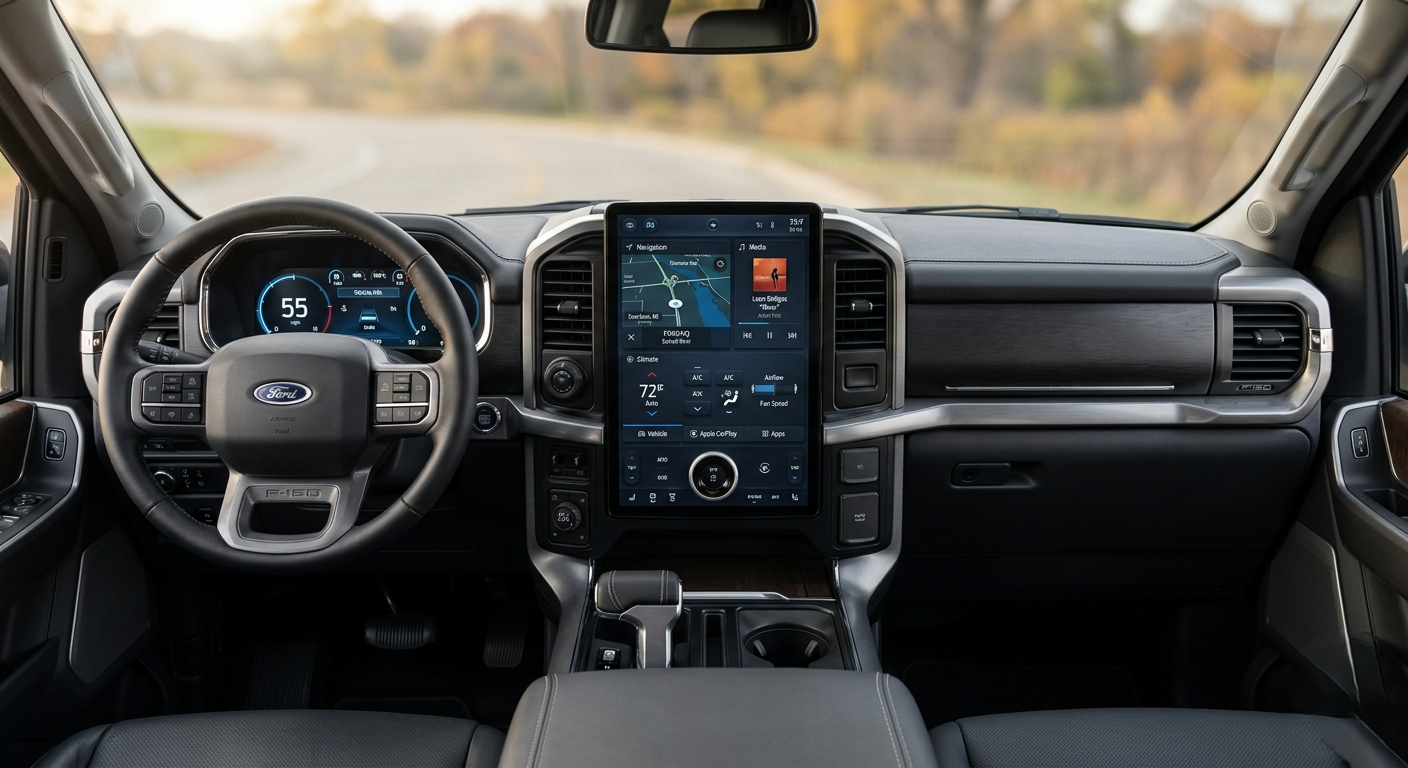
You don’t need to spend $40,000 on a new Tesla to get that sleek, modern dashboard experience. An aftermarket Tesla-style screen delivers the same visual impact and functionality inside your existing vehicle.
✓ Enhanced User Experience

Tesla’s interface set a new standard large touch controls, minimal buttons, everything accessible in two taps. Aftermarket screens bring that same low-distraction experience to your truck or SUV with sharp 1080p displays that make navigation and camera feeds dramatically clearer than most factory units.Tesla Screen for Car
✓ Improved Functionality
Modern Tesla-style CarPlay screens unlock features your factory radio was never built to handle wireless Apple CarPlay, Android Auto, split-screen multitasking, built-in GPS, voice control, and streaming apps. It turns your dashboard into a connected hub you’ll actually enjoy using every day.
✓ Customization and Style
Available in sizes from 9 inches up to 15.6 inches, these screens blend cleanly into your existing interior. The result is a cockpit that looks modern and intentional not like a cheap bolt-on afterthought.
Key Factors to Consider When Choosing a Tesla-Style CarPlay Screen
• Enhanced User Experience

Compatibility is the most critical factor and the one most buyers rush past. A screen that doesn’t support your vehicle’s CANBUS protocol will disable steering wheel controls, backup cameras, and climate displays. Always verify by make, model, year, and trim before purchasing. Most reputable retailers offer compatibility checkers on their product pages.
• Screen Size and Resolution

Screen size affects both your dashboard fitment and your daily experience. 9–10 inch screens suit compact cars ($299–$499), 12.1–12.3 inch units are the sweet spot for mid-size SUVs ($499–$699), and 14.4–15.6 inch screens are built for full-size trucks ($699–$1,100). For resolution, a minimum 1280×720 IPS display is recommended 1920×1080 is worth the upgrade if you use navigation daily.
• Operating System and Software Features

Most aftermarket screens run Android 10, 12, or 13. Prioritize Android 12 or 13 for better app support, smoother performance, and security. Look for split-screen mode, OTA software updates, and a built-in DSP for audio quality. Note that these screens run independently they do not receive Tesla’s official OTA updates.
• Connectivity Options

Check for wireless CarPlay and Android Auto, Bluetooth 5.0, dual-band Wi-Fi, and both USB-A and USB-C ports. Premium models also include a 4G LTE SIM card slot for standalone connectivity useful on long road trips when your phone signal drops.
• Installation Process
DIY installation is possible for most vehicles with basic mechanical skills and takes 2–4 hours. Professional installation costs $150–$400 in labor and is recommended for luxury vehicles or complex integrated systems. Under the Magnuson-Moss Warranty Act, installing an aftermarket screen does not automatically void your factory warranty the manufacturer must prove the part caused the failure, which is a very high legal bar.
Top Brands and Models
✓ Dasaita
Dasaita is one of the most established names in the space, known for clean Android performance and built-in DSP audio processing. Their range covers 9 to 15.6 inches and works well across Ford, Toyota, Honda, and Chevy models. Best for drivers who want strong audio quality alongside the visual upgrade.
✓ Joyeauto
Joyeauto is known for deep factory integration steering wheel controls, factory amps, and OEM cameras stay fully active after installation. Popular with European vehicle owners (VW, Audi, BMW). Best for buyers who won’t compromise on keeping every factory feature working.
✓ Xtrons
Xtrons offers one of the widest vehicle compatibility libraries in the market with competitive pricing and a 2-year warranty. Their 8-core Android 12 units deliver fast, reliable performance at a lower price point than Dasaita. Best for budget-conscious buyers or owners of less common vehicle models.
✓ Pumpkin
Pumpkin specializes in deep interface customization on a highly modified Android OS. Popular with enthusiasts who want full control over layout, widgets, and settings. Best for tech-savvy buyers who treat their screen like a personal project.
✓ Yaegoo
Yaegoo is the entry-level pick that still covers the essentials CarPlay, Android Auto, and Bluetooth without the premium price tag. Best for owners of older vehicles (2012–2016) who want a functional upgrade on a tight budget.
Installation Tips
DIY Installation vs. Professional Help
If you’ve never removed dashboard trim or worked with wiring harnesses, professional installation is the safer choice especially on 2019+ vehicles with integrated driver assistance systems. A pro familiar with your vehicle completes the job in 1–2 hours vs. 3–5 hours for a first-timer.
Essential Tools and Resources
For DIY, prepare a plastic trim removal kit, vehicle-specific wire harness adapter, Torx screwdriver set, electrical tape, and zip ties. Watch your manufacturer’s full installation video before touching the car and have a second person on hand for 12″+ screens.
Maintaining Your Tesla-Style Car Play Screen

Routine Maintenance Tips
Apply a tempered glass screen protector at installation to prevent micro-scratches. Clean only with a microfiber cloth, keep brightness at 70–80% for daily driving, and update firmware whenever your manufacturer releases a new version. Avoid leaving the screen in direct sunlight in a parked car heat above 140°F can damage IPS panels over time.
Troubleshooting Common Issues
Screen flickering is almost always caused by a loose power harness or outdated firmware check the connection first, then update the software. Connectivity drops with Bluetooth or wireless CarPlay are usually fixed by deleting and re-pairing your phone from scratch. Thin audio after installation typically means a gain mismatch with your factory amplifier lower your head unit output to 25–35% and adjust the amp’s input sensitivity to match.
Conclusion

A Tesla screen for your car is one of the best daily-driver upgrades available in 2025 and it improves your experience every single time you get in the vehicle. Match the screen to your specific vehicle, choose a brand with real US support, and verify compatibility before you buy. Whether you go with Dasaita for audio quality, Joyeauto for factory integration, or Xtrons for value the right choice is the one built specifically for your car.
2026 Hardware & Software Updates
What’s New in 2026 Tesla-Style Screens:
- Android 13 & 14 Optimization: Newer models now ship with Android 13/14 operating systems, offering faster boot times (under 2 seconds), improved memory management, and native split-screen support without lag.
- QLED & 2K Resolution Displays: While 1080p IPS screens remain the standard budget choice, 2026 flagship models feature anti-glare 2K QLED panels, significantly improving visibility in direct sunlight.
- Integrated 360° Panoramic Camera Support: Modern 8-core processors now support direct plug-and-play input for 360-degree 3D camera systems without needing external control boxes.
- Upgraded Wireless Chipsets: Dual-band Wi-Fi 6 and Bluetooth 5.2 are now standard on mid-to-high-tier models, eliminating input lag during wireless Apple CarPlay and Android Auto playback.
Author’s Note: I wrote this guide to skip the marketing fluff and focus strictly on daily usability. Having hands-on experience installing and testing displays ranging from 9-inch budget units to 15.6-inch vertical screens, I know which hardware holds up and which fails. Every recommendation here centers on fast processing, seamless fitment, and zero loss of your vehicle’s factory features.