

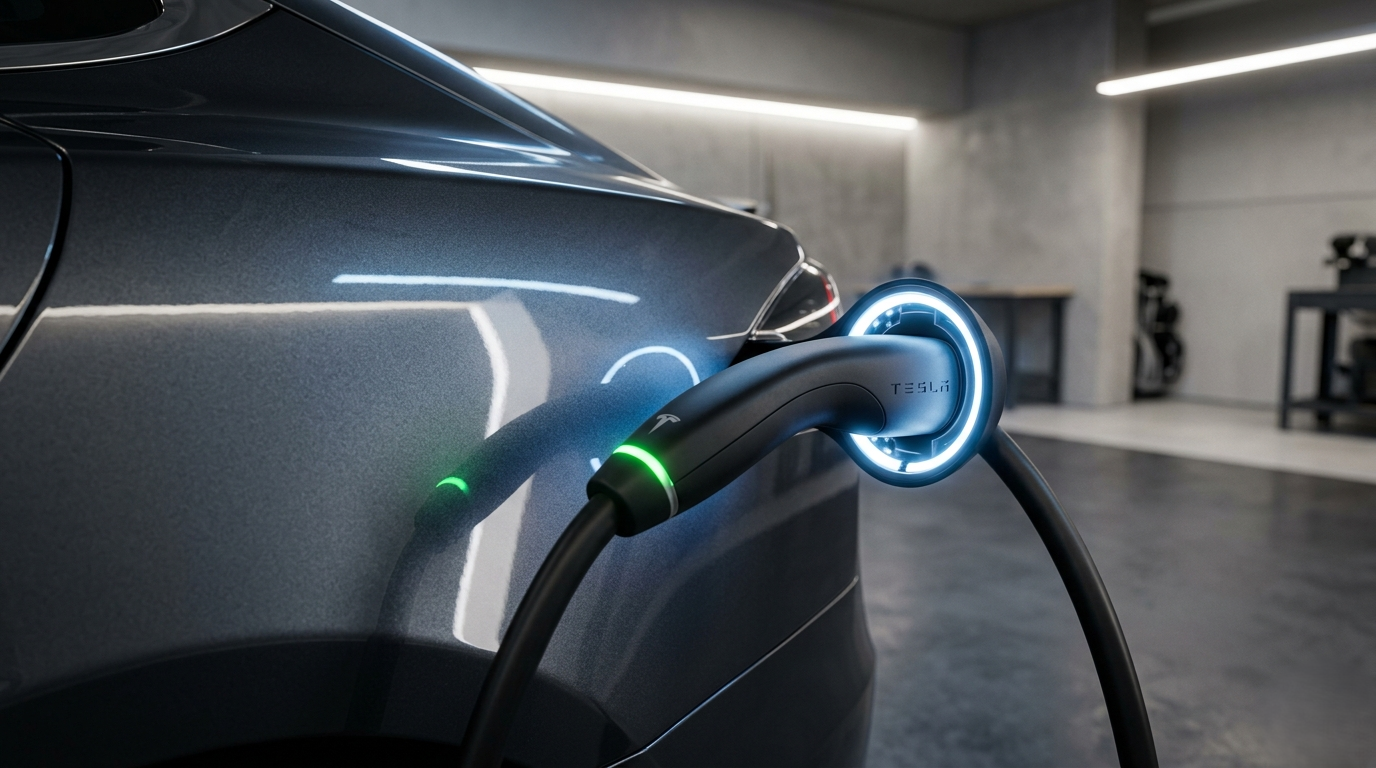
| Quick Answer: Stop the session first then press the button on the charging handle. Still stuck? Open Tesla app > Charging > Stop Charging, wait 5 seconds, then try again. For a frozen or jammed cable, use the step-by-step methods below. how to Remove Tesla Charger from Car |
Most people never think about how to remove a Tesla charger from a car until the cable gets stuck. The process is simple in normal conditions, but a locked, frozen, or jammed port needs the right steps. Follow this guide to avoid expensive charge port damage.
1. Normal Way to Remove a Tesla Charger from Your Car
Press the Button on the Handle
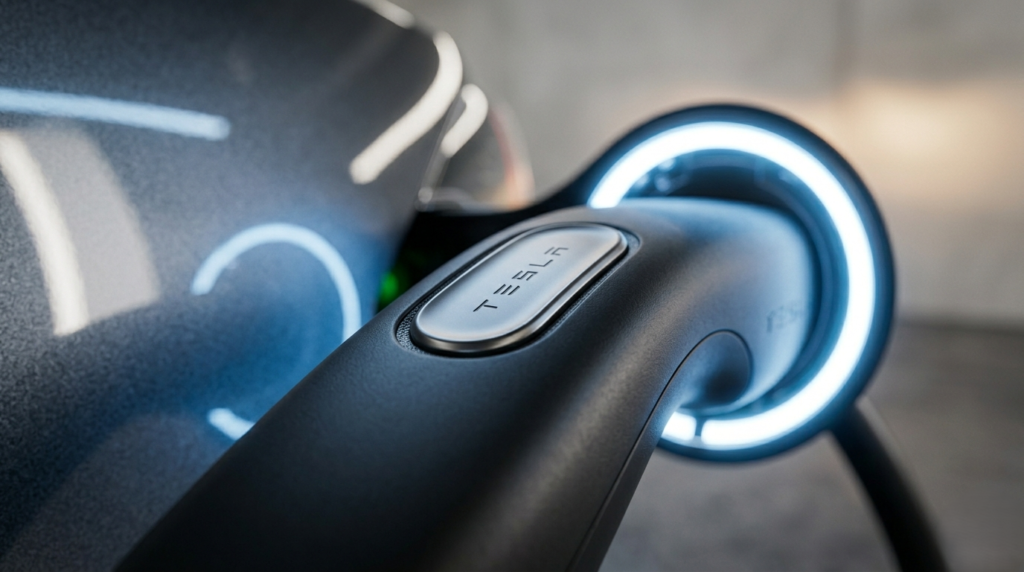
The standard way to remove the Tesla charger from your car is pressing the release button on top of the charging handle. Press it once the latch clicks open and the cable slides out.The charging session must be stopped first. While the car is actively charging, Tesla locks the port so the cable cannot be pulled out. That is a safety lock, not a malfunction.
Stop the Session Before You Pull
Always end the session before you attempt to remove the Tesla charger from the car. You can do this from the touchscreen or the app. Trying to pull while charging is active will do nothing.
Use the Touchscreen
Tap the charging icon at the top of your Tesla screen. Tap Stop Charging. The port unlocks in 3 to 5 seconds. Then press the handle button. This is the fastest method when you are inside the car.
Use the Tesla App
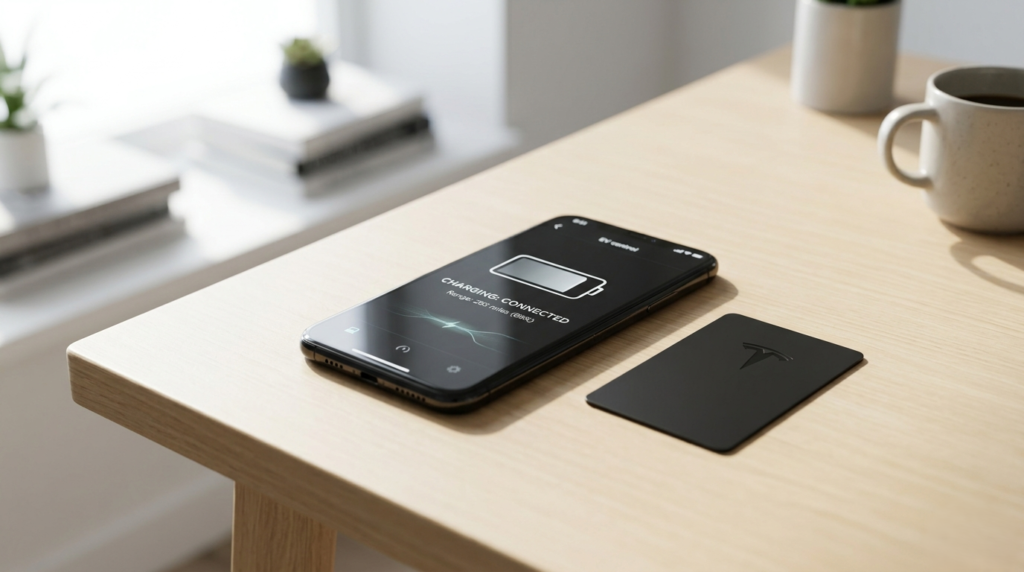
Open the Tesla app. Tap Charging > Stop. Wait 5 seconds for the port to release. Walk to the back of the car and press the handle button.This is the best method to remove the Tesla charger from the car when you are outside and your phone is nearby.
2. Tesla Charger Stuck and Won’t Come Out Full Fix
The 15-Second Auto-Relock Problem
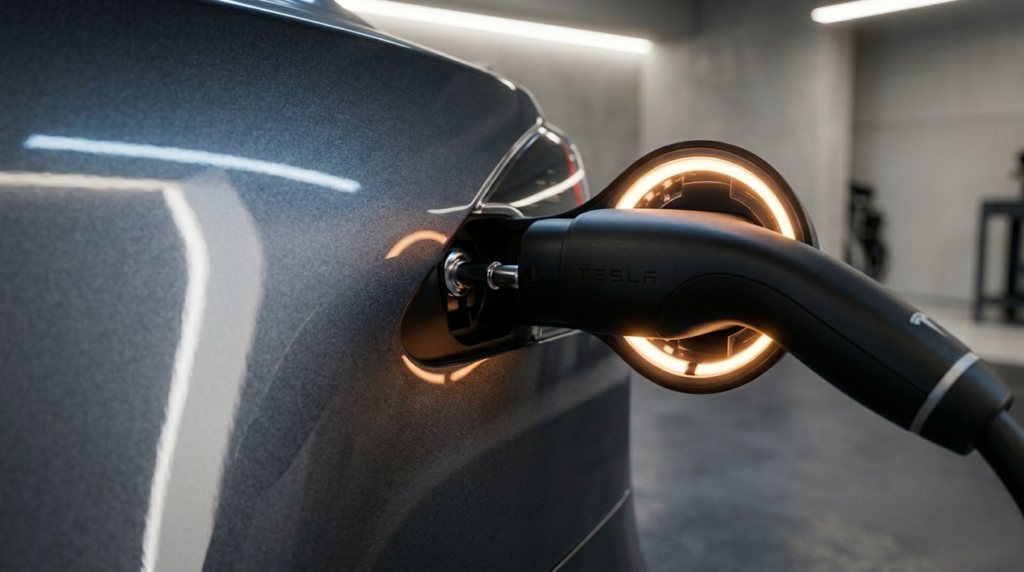
The most reported issue on r/teslamotors: you unlock the port in the app, walk around to the back and it relocks before you get there.Tesla auto-relocks the charge port after roughly 15 seconds. The fix is simple: do not tap Unlock until you are already standing at the port. Tap, then immediately pull the handle.
Force-Unlock from the App
Open the Tesla app. Go to Controls > Charging > Unlock Charge Port. This sends a direct unlock command to the latch.
Wait a full 5 seconds after tapping. Then try to remove the Tesla charger from the car. This works in most stuck-cable situations.
2026 Left Rear Door Handle Trick
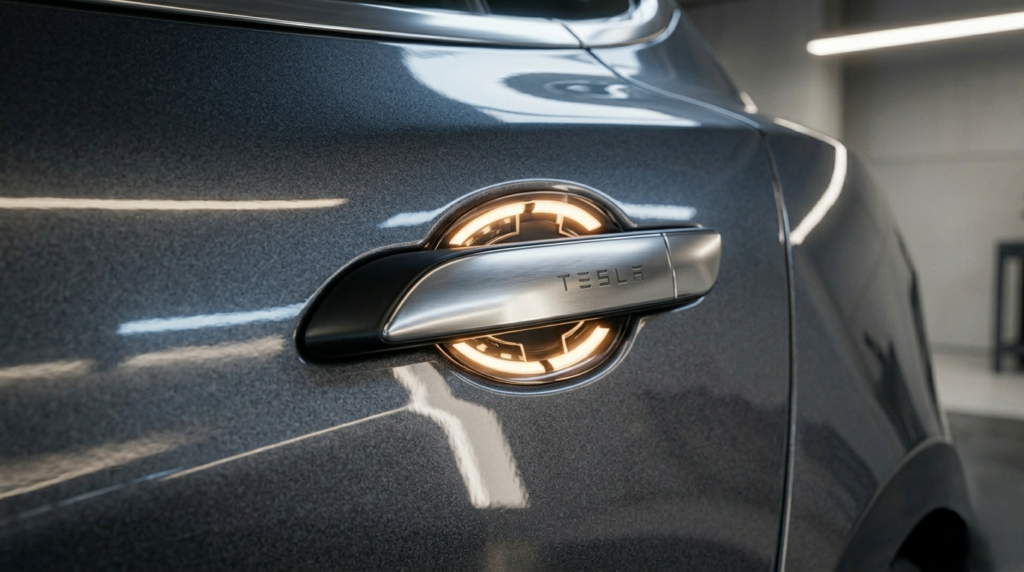
Tesla’s software update 2026.2.3 added a hidden method. If your phone key is detected near the car, pull and hold the left rear door handle for 3 seconds. This sends an unlock signal directly to the charge port latch.No app required. Check your software version under Controls > Software to confirm you have 2026.2.3 or later.
3. How to Remove a Frozen Tesla Charger in Cold Weather
Run the Inlet Heater First
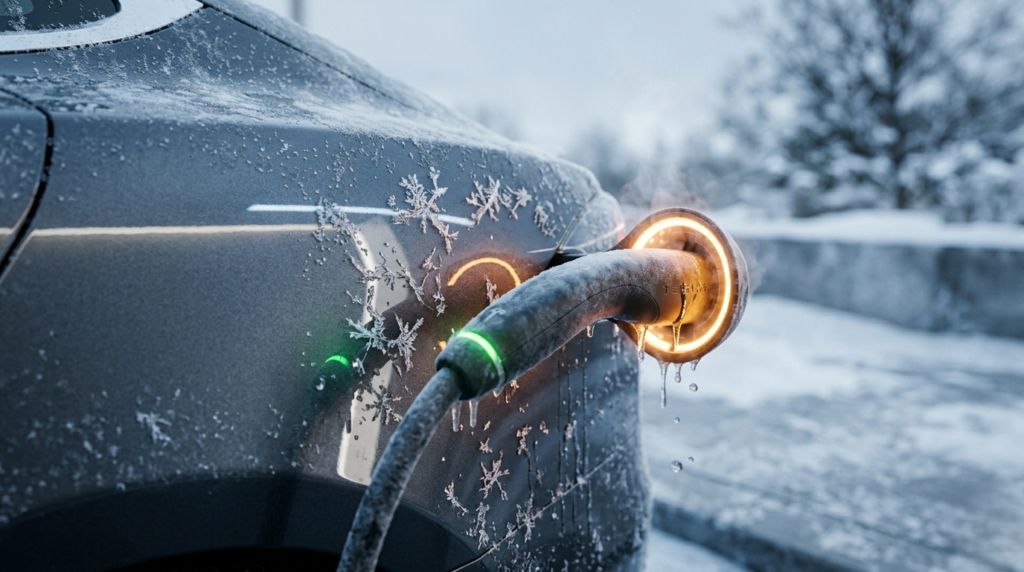
On the touchscreen tap Controls > Service > Inlet Heater. This heats the charge port directly, not the whole car. It frees a frozen latch in 2–4 minutes.Most guides miss this setting. It is the fastest way to remove the Tesla charger from the car in freezing temperatures. Find more tips in our guide on how to keep your Tesla cool in summer the same thermal logic applies in reverse in winter.
Full Car Defrost

Open the app and run Climate > Defrost Car. This warms the car body and usually frees the port in 5 to 10 minutes. It is slower than the Inlet Heater but still effective.
Do Not Force a Frozen Cable
Never yank a frozen cable. Ice contracts around the latch mechanism. Forcing it snaps the internal actuator clip a repair not covered by warranty.
Do not pour hot water on the port either. Temperature shock can crack the plastic housing.
4. Third-Party Adapter How to Remove It When It’s Stuck
J1772 Latch Sequencing Issue
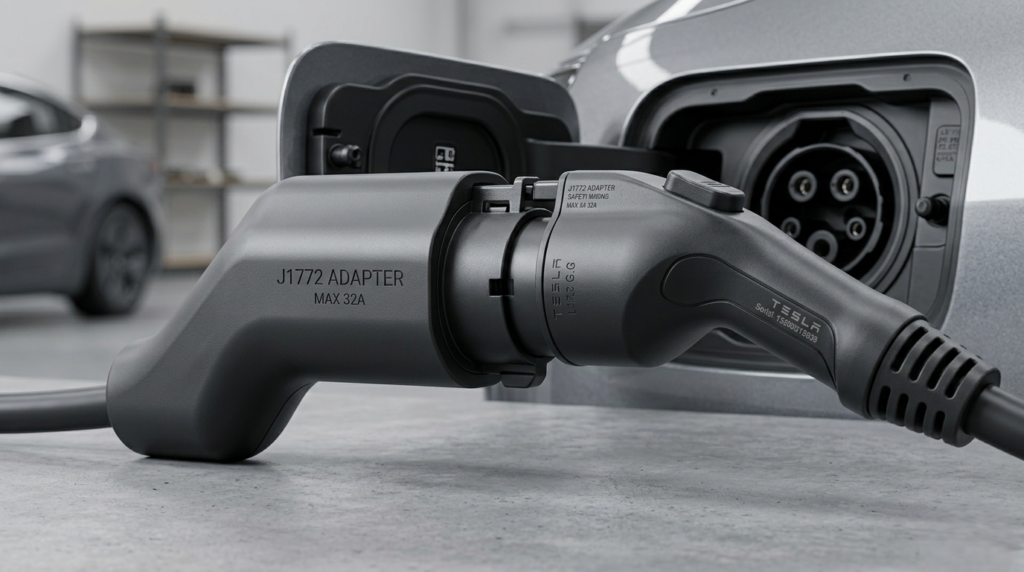
Lectron, A2Z, and other third-party J1772 adapters sometimes jam inside the Tesla port. The cause is latch sequencing the adapter’s lock engages before the Tesla port releases.
The correct order to remove the Tesla charger from the car with an adapter:
- Step 1: Stop the charging session from the Tesla touchscreen or app.
- Step 2: Press the adapter’s own lock release switch first (if it has one).
- Step 3: Then press the charging handle button and pull.
Reversing steps 2 and 3 causes the jam. Always release the adapter lock before the handle button.
CCS Adapter
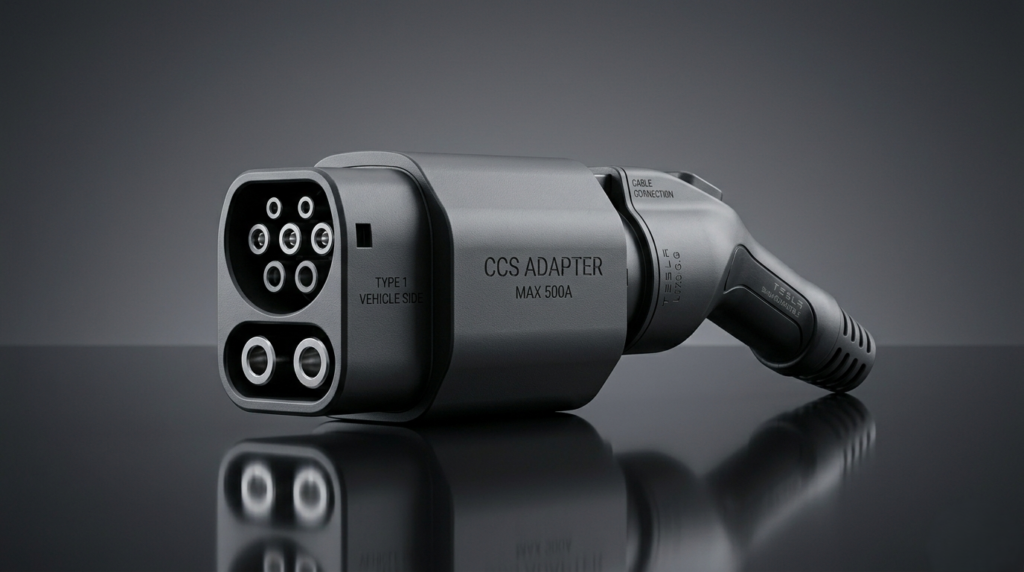
The same rule applies to CCS adapters. Unlock the Tesla port first (app or screen), then disengage the adapter lock, then remove.If you feel resistance, stop and restart from Step 1. Never pull harder.
5. Manual Release Last Resort Only
When to Use the Manual Release
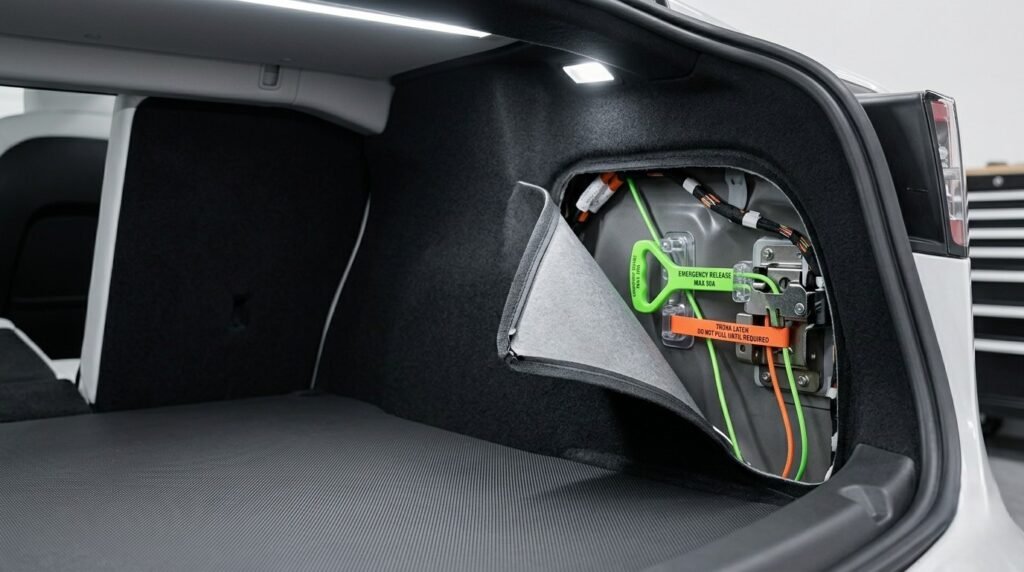
The manual release is only for complete power failures. If your Tesla has power, do not use manual release you risk damaging the actuator inside the port.
How to Pull the Manual Release Cable
Open the trunk. Pull back the left trunk liner. Find the small orange or white cable near the charge port housing.Pull it slowly and steadily one smooth motion until you hear a click. Do not jerk it. The latch opens, then calmly removes the charging handle.
Do Not Pull the Handle at the Same Time
Tesla’s official service documentation warns: do not yank the charging handle while pulling the manual release cable. Doing both at once snaps the internal actuator clip permanently.If that clip breaks, it is a service appointment and it is not cheap. See our breakdown of Tesla battery replacement costs to understand how Tesla repair costs add up.
6. Stuck at a Public Supercharger Calm Step-by-Step

Don’t Pull Hard
A stuck cable is always a latch issue. No amount of force will remove a Tesla charger from the car if the latch is engaged. Yanking only damages the port.
Step-by-Step at a Public Station
- Step 1: Open the Tesla app > Charging > Stop Charging. Wait 5 seconds.
- Step 2: Try the handle button. If nothing, go to Controls > Unlock Charge Port.
- Step 3: If the app is frozen (Bluetooth interference near some stations), lock and unlock the car with your key card. This resets the port latch.
- Step 4: Still stuck? Call Tesla Roadside at 1-877-798-3752. They can remote-trigger the unlock.
App Bluetooth Freeze Fix
High electromagnetic interference near public chargers can hang the phone’s Bluetooth connection. The app shows “Unlocking…” but nothing happens.Fix: turn Bluetooth off on your phone, wait 10 seconds, turn it back on. The app reconnects. Or use the touchscreen directly the car is unaffected, only the phone link drops.
7. Common Charge Port Problems and When to Call Tesla
Port Locks Every Time You Try
If the port relocks every time you try to remove the Tesla charger from the car, check that charging has fully stopped. Some third-party chargers send a trickle signal that keeps the session active.Unplug from the charger side first if possible, then try the Tesla port.
Handle Button Does Nothing
If pressing the handle button does nothing, the latch mechanism may have failed. Do not force it. Use the app unlock, then the manual cable as a last resort. Then schedule a service visit through the Tesla app.Many charge port issues are related to broader electrical problems. See our guide on common Tesla problems and how to fix them for a full troubleshooting reference.
Charge Port Door Won’t Open
This is a separate issue from the cable latch. If the port door itself does not open, check that the car is unlocked. The port door only opens when the car is unlocked or when a recognized charger approaches.
FAQ: How to Remove Tesla Charger from Car
Why won’t my Tesla charger come out?
The session is probably still active. The port stays locked while charging. Stop the session from the app or touchscreen, wait 5 seconds, then press the handle button to remove the Tesla charger from the car.
Can I remove the charger while it is still charging?
No. Tesla physically locks the port during an active session. You must stop charging first. Forcing it will not work and may damage the latch.
How do I remove a frozen Tesla charging cable?
Use Controls > Service > Inlet Heater on the touchscreen. This heats only the port and frees a frozen latch in 2 to 4 minutes. Never force a frozen cable.
Does the 2026 door handle trick work?
Yes on vehicles with software 2026.2.3 or later and an active phone key nearby. Pull and hold the left rear door handle for 3 seconds to send an unlock signal to the charge port.
What if the manual release cable does not work?
Contact Tesla Service through the app for a mobile technician visit. Do not attempt to open the charge port housing yourself.
How do I unlock the charge port if the app is frozen?
Lock and unlock the car with your key card to reset the Bluetooth connection. Or use the car’s touchscreen directly. As a last resort, call Tesla Roadside at 1-877-798-3752.
Conclusion
Knowing how to remove a Tesla charger from a car properly protects your charge port. In normal conditions, stop the session and press the handle button.For stuck cables, use the app’s Unlock Charge Port command. For frozen ports, go to Controls > Service > Inlet Heater not brute force.The 2026 left rear door handle trick and the Inlet Heater setting are two things most Tesla guides will never tell you. Now you know both and your charge port stays safe.